New Signed & notarized · macOS 14+
Menew for Mac
The complete Menew: memory, recordings with minutes, command palette, clipboard, windows, screenshots and system monitor. Download the DMG or install it with Homebrew.
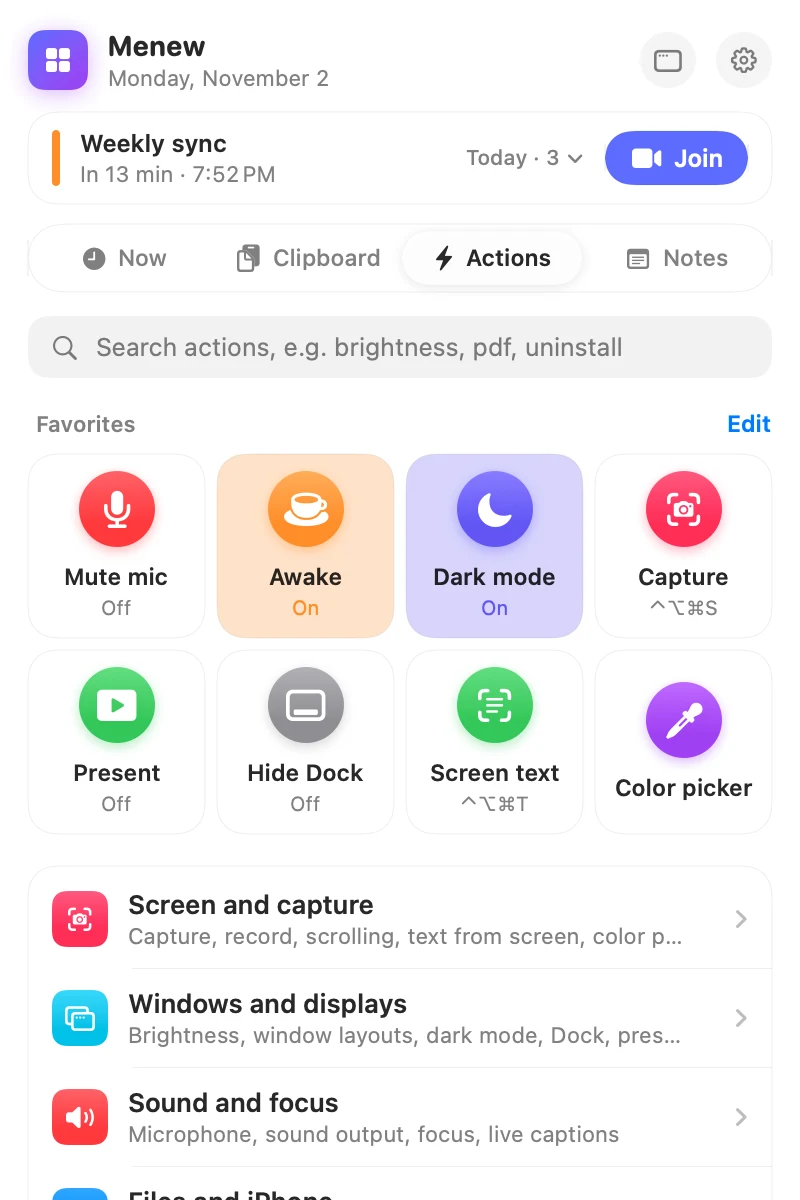
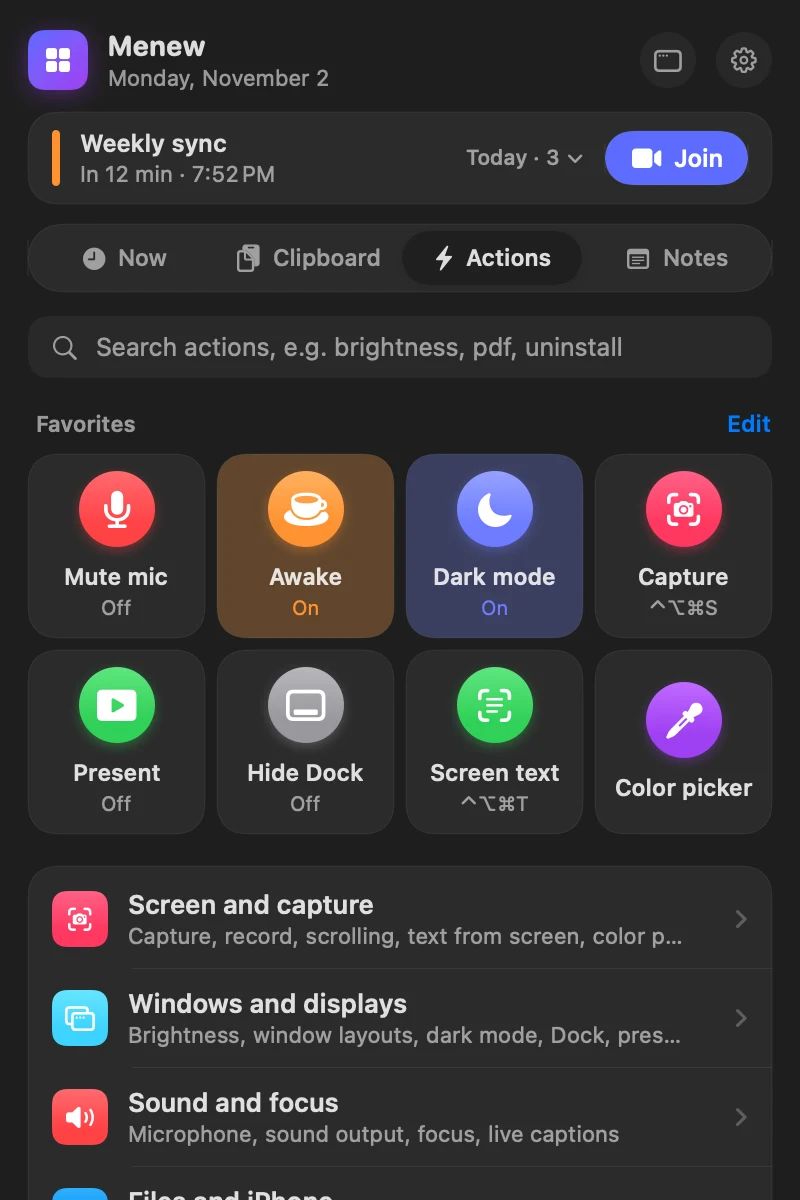
The complete Menew: memory, recordings with minutes, command palette, clipboard, windows, screenshots and system monitor. Download the DMG or install it with Homebrew.
Sonoma, Sequoia and macOS 26 Tahoe, with the Liquid Glass look on macOS 26.
One universal app for every Mac that runs macOS 14. AI features use Apple Intelligence where your Mac supports it.
Signed with an Apple Developer ID and checked by Apple, so it opens without security warnings.
New versions arrive inside the app, with their release notes. No account and no telemetry.
macOS 14 or later · Apple Silicon & Intel · Signed and notarized by Apple
macOS 14 or later · Apple Silicon & Intel · Signed and notarized by Apple
brew tap quost/menew https://github.com/Quost/menewbrew trust quost/menewbrew install --cask menewNewer Homebrew versions ask you to trust third-party taps once.
git clone https://github.com/Quost/menewcd menew./build.sh --installNeeds Xcode 16 or the Swift 6 toolchain.
Using an AI assistant? Copy a ready-made prompt and paste it into ChatGPT, Claude or your terminal agent.
Menew is made in spare time. If it saves you a few minutes a day: